
How to Use This Time Zone Converter (Simple Guide)
What This Tool Does
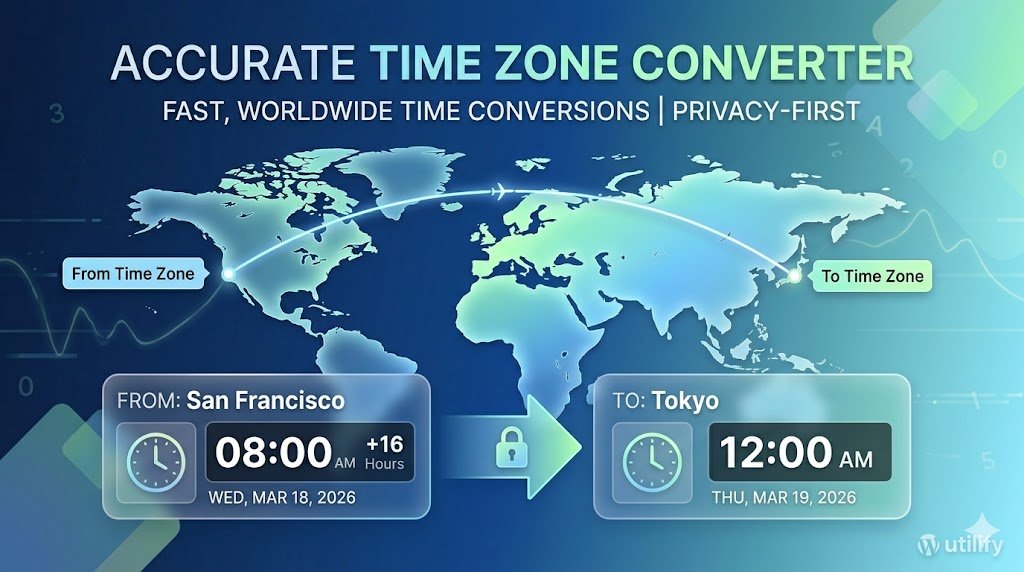
This Time Zone Converter instantly converts any date and time between two locations worldwide. It uses accurate IANA time zone data and automatically adjusts for Daylight Saving Time. It’s ideal for travel planning, international meetings, remote work, and global communication.
How to Use the Converter
1. Select your starting time zone
Click the “From Time Zone” dropdown and begin typing the name of a major city or region.
Examples:
- Type “par” to find Europe/Paris (France)
- Type “new” to find America/New_York (USA)
- Type “tok” to find Asia/Tokyo (Japan)
Searching by city name gives the fastest and most accurate results.
2. Select the destination time zone
Click the “To Time Zone” dropdown and search the same way.
You can convert between any two global locations.
3. Choose the date and time you want to convert
Enter the exact date and time you want to convert.
The tool automatically handles:
- Daylight Saving Time
- Seasonal time changes
- Regional time differences
4. Click “Convert Time”
Your converted time will appear instantly with accurate offsets.
Tips for Best Results
- Search using city names, not country names (e.g., “Paris” instead of “France”).
- If you’re unsure which time zone a country uses, search for its capital or largest city.
- The tool works for past, present, and future dates — perfect for scheduling across time zones.
- All conversions use official IANA time zone data for worldwide accuracy.
Why This Converter Is Reliable
- Automatically adjusts for Daylight Saving Time
- Covers every global time zone
- Uses trusted IANA time zone standards
- Fast, accurate, and updated worldwide
FAQ
How does the Time Zone Converter work?
The converter compares the current local time in two locations and automatically adjusts for daylight saving time, next‑day and previous‑day rollover, and international date line differences. This ensures accurate results at any moment of the year.
Does the converter handle daylight saving time changes?
Yes. The tool updates automatically based on each region’s DST rules, including countries that change on different dates or do not observe DST at all.
Can I convert time between any two cities?
You can convert time between any two locations worldwide. The tool includes major cities, regions, and time zones, making it useful for travel planning, remote work, and international communication.
How do I convert time for a specific city?
To use this time zone converter for a specific city, simply type the city name (like “London” or “New York”) into the selection box. Our database uses the official IANA Time Zone Database, which is the global standard for managing time zone data on the internet. This ensures that even if a city’s offset changes, your conversion remains 100% accurate.
Does this tool work for military time?
Yes, our converter supports both 12-hour and 24-hour formats depending on your browser settings. Whether you are scheduling a global military operation or a simple family Zoom call, the time zone converter provides the exact data you need.
What is the difference between GMT and UTC?
While often used interchangeably in casual conversation, UTC (Coordinated Universal Time) is a high-precision atomic time standard, while GMT (Greenwich Mean Time) is a time zone. Most professional scheduling follows UTC standards to avoid confusion during seasonal shifts.
Why are some time zones offset by 30 or 45 minutes?
While most zones differ by full hours, some regions like India (IST) or Nepal use non-standard offsets. This time zone converter automatically detects these unique differences so you never have to do the math manually.
More Tools from Utilify
Word Counter
World Clock
Differential Equations Identifier