
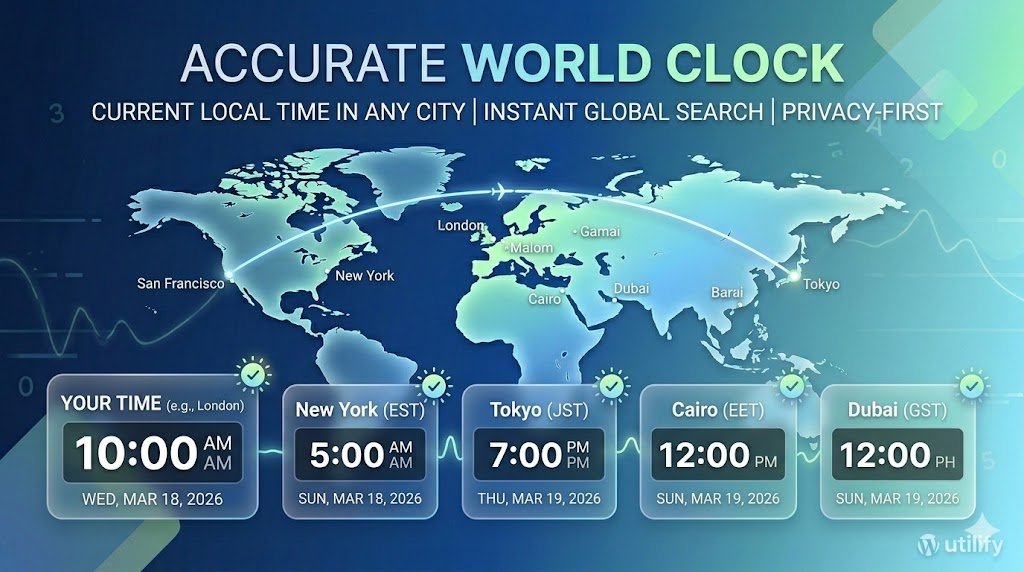
What This World Clock Does
Stay perfectly in sync with any time zone across the globe. Our professional-grade World Clock provides instant, high-precision local time for thousands of international cities. Designed for digital nomads, global teams, and travelers, this tool handles the technical complexity of regional time offsets so you can focus on staying connected.
How to Use This World Clock
Type a city name
Begin typing the name of any major city. The list will filter automatically.
Select the correct location
Choose the city you want to check. The tool supports global locations. View the current local time, as the clock updates instantly.
Why Use a Digital World Clock?
In our interconnected world, keeping track of global time is essential for professional and personal success. Whether you are a digital nomad, a remote employee in a distributed team, or someone with family living abroad, a reliable world clock eliminates the guesswork of time zone math.
Our tool provides the current local time for thousands of cities, automatically adjusting for Daylight Saving Time (DST) changes. This is crucial because different regions transition in and out of DST on different dates, making manual calculations prone to error.
Common Time Zones Explained
When using a world clock, you will often see references to standard offsets. Here are the most common ones you’ll encounter:
- UTC (Coordinated Universal Time): The primary time standard by which the world regulates clocks and time. It is the successor to GMT.
- EST/EDT (Eastern Standard/Daylight Time): Used by major cities like New York and Toronto.
- CET/CEST (Central European Time): The standard for most of Western Europe, including Paris, Berlin, and Rome.
For official technical data on how these zones are managed, we rely on the IANA Time Zone Database, which ensures our clock is always synchronized with global standards.
FAQ
How does the World Clock determine the correct time?
The tool uses official IANA time zone data to calculate the current local time for any selected city, including daylight saving adjustments.
Does the World Clock handle daylight saving time?
Yes. The tool automatically applies DST rules based on each region’s official schedule.
Can I search for any city?
You can search for any major city worldwide. Typing the first few letters will filter the list for fast selection.
Pro Tips for Using a World Clock Effectively
To get the most out of a world clock, it helps to understand how global time is synchronized. Because our tool is anchored to UTC, you don’t have to worry about manual offsets when coordinating with teams in different hemispheres. Unlike time zones that change with the seasons, UTC stays constant, providing a “prime meridian” for all other offsets.
When scheduling meetings across continents, always account for the “transition days” of Daylight Saving Time. For example, the United States and Europe often switch DST on different Sundays in March and October. By using an automated world clock, you avoid the common mistake of being exactly one hour early or late to a global conference call.
Additionally, our tool is optimized for mobile use. Whether you are checking the time from a smartphone at an airport or a desktop in a home office, the interface remains clean and responsive. We prioritize a privacy-first approach, meaning your search history and location data are never stored on our servers. This makes it the best world clock for users who value both accuracy and digital security. Try All of Our Tools, Always Free All the Time!
In today’s global economy, staying synchronized is more than a convenience—it is a necessity. Our World Clock is designed to bridge the gap between continents, ensuring that whether you are checking the current time in London, Tokyo, or New York, you have the most reliable data at your fingertips.